

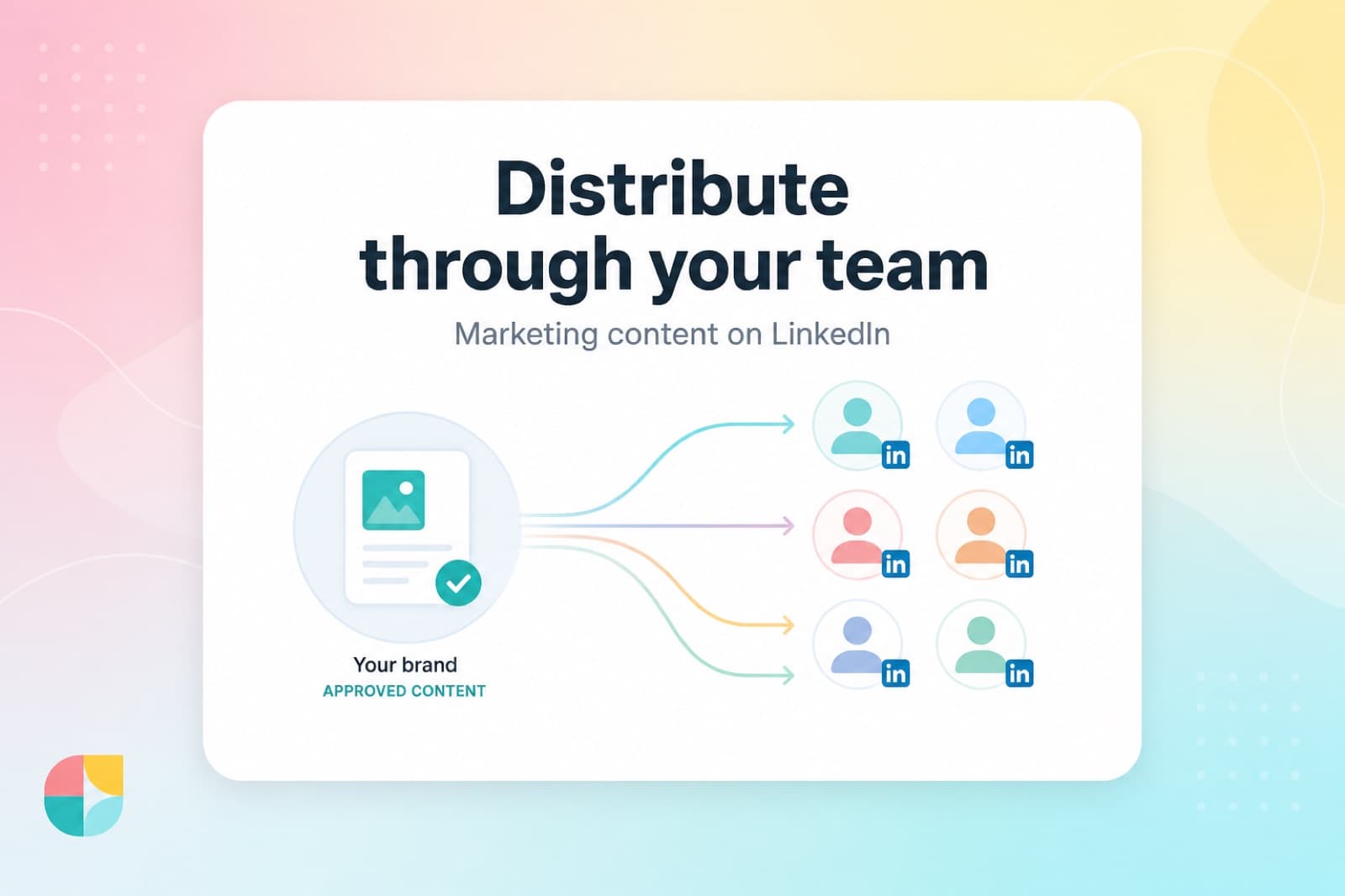
Marketing already makes the content. The problem is distribution.
The deck lives in a Drive folder. The case study gets one company-page post. The campaign brief never escapes Slack. And then leadership asks why LinkedIn “isn’t working.”
Distributing marketing content through employees on LinkedIn is the fix: take approved messages and put them in the feeds where buyers already listen—personal profiles, not the brand logo shouting into the void.
Here’s how to do it without turning your team into unpaid interns with a posting quota.
Why employee distribution beats “post it on the company page”
Your company page is useful. It is not a distribution engine for most B2B teams.
Personal profiles win on conversation and trust. Employee networks sit inside buyer relationships your page never reaches. Industry benchmarks keep saying the same thing: employee-shared content travels farther and gets engaged with harder than brand channels alone. For the numbers, see our employee advocacy LinkedIn statistics and the 2026 reach benchmark.
The short version: marketing owns the message. Employees own the network. If you only publish from the page, you’re using half the system.
Step 1: Decide what “approved content” actually means
Employee distribution fails when “approved” means either:
- Everything must be word-for-word identical, or
- Anything goes and brand risk becomes a vibes-based panic
Pick a clearer standard:
- Must-keep claims - product facts, legal lines, customer quotes that cannot get freestyled
- Flexible framing - hooks, stories, and takes employees can rewrite in their own voice
- Out of bounds - pricing guesses, unannounced features, competitor trash talk, confidential metrics
If marketing can’t explain the difference in one Slack message, employees will default to silence. Silence is safer than guessing wrong.
Step 2: Build a library people can browse in under two minutes
Nobody is opening a 47-slide enablement deck to find a LinkedIn post.
A usable library looks like LinkedIn already feels:
- Short, claimable posts (not buried PDFs)
- Clear topics / campaigns so sales can find “pipeline” content and product can find “launch” content
- Images and assets sitting next to the copy
- A obvious next action: claim → personalize → publish
Empty libraries kill programs faster than skeptical executives. Start with 15–20 solid posts before the all-hands invite. Quality beats a graveyard of half-finished drafts.
For the broader motion, our employee advocacy guide covers why the library is the program—not a side feature.
Step 3: Write for personal profiles, not press releases
The same asset should not ship the same way on a company page and an employee profile.
| Channel | What works | What usually flops |
|---|---|---|
| Employee profile | Point of view, lesson learned, customer story, “here’s what I’m seeing” | Link dumps, jargon walls, “We’re excited to announce…” |
| Company page | Proof, packaging, links to assets, hiring, polished brand statements | Trying to sound like a person while remaining a logo |
On personal profiles, links often suppress reach. Lead with the insight. Put the CTA in the comments or follow-up if you need the click.
Translation for marketers: stop handing people a gated ebook URL and calling it “advocacy.” Hand them a post worth reading cold.
Step 4: Make personalization the default, not the exception
“Please reshare exactly this” is how you get zero posts and one passive-aggressive emoji reaction.
The better pattern:
- Marketing ships an approved draft
- Employee rewrites the hook in their voice (or uses a light AI assist that keeps the claims intact)
- They publish from their own LinkedIn account
- Marketing still knows what went out, because it started from the library
People engage with people. If every employee post reads like it escaped the brand guidelines PDF, buyers scroll past it like every other corporate clone in their feed.
Step 5: Assign roles so marketing doesn’t become LinkedIn support
Distribution needs owners, not “everyone somehow owns it.”
- Marketing / admins - build the library, set campaigns, invite the team, watch what’s working
- Editors (optional but useful) - keep content fresh without giving every employee the keys
- Standard users - browse, claim, personalize, publish
Sales and customer-facing experts are usually your highest-ROI distributors. Their networks are closer to pipeline than a generic follower list. If revenue is the wedge, start with LinkedIn advocacy for sales teams.
Step 6: Launch like a product, not a memo
A one-time “we’re doing employee advocacy now” email is not a launch.
Do this instead:
- Seed the library before invites go out
- Invite with a clear first action - one post, this week, from the library
- Show the path - connect LinkedIn → pick content → publish
- Reduce the blank page - approved drafts beat “write something thoughtful about our category”
- Add a reason to come back - rankings, recognition, or a lottery that feels like a real prize, not abstract points
Friction kills advocacy faster than lack of belief. Most people agree employees should post. Most people will not invent a LinkedIn strategy on a Tuesday afternoon between demos.
Step 7: Measure distribution, not vanity page metrics
If your only dashboard is company-page impressions, you will “optimize” the weaker half of the channel.
Track a monthly scoreboard that matches the job:
- % of target employees who posted at least once
- Posts published from the library (distribution of marketing content, not random founder threads)
- Median engagement on employee posts vs page posts
- Which campaigns / topics get claimed
- For sellers: profile views, DMs, and conversations influenced after consistent posting
Participation first. Reach quality second. Pipeline stories third. That order keeps the program honest.
A simple operating cadence
| Cadence | Marketing does | Employees do |
|---|---|---|
| Weekly | Add 3–5 library posts tied to live campaigns | Post at least once from approved content |
| Monthly | Retire stale posts, double down on what got claimed | Keep showing up; personalize hooks |
| Quarterly | Review participation + pipeline anecdotes with sales | Feedback on what feels fake vs usable |
Consistency beats the quarterly “LinkedIn push” that lasts nine days and dies in a shared doc.
Common failure modes (and the fix)
“We sent a content pack and nobody posted.”
Fix: put content in a claimable library with a one-click publish path. Packs are where good posts go to expire.
“Legal is terrified.”
Fix: lock claims, free the voice. Approved drafts with clear must-keep lines beat open-ended chaos and robotic sameness.
“Only marketing and the founders post.”
Fix: invite a pilot pod of sellers / CS / product experts first. Social proof inside the company matters more than another all-hands slide.
“The posts sound identical.”
Fix: require personalization. Same talking point, different human. That’s the whole point of employee distribution.
“We can’t prove ROI.”
Fix: stop promising overnight pipeline from one reshare. Prove participation and conversation first, then connect the seller motion to opportunity influence.
Bottom line
How to distribute marketing content through employees on LinkedIn is not a mystery channel strategy. It’s an operations problem:
- Approve the message
- Put it in a library people will actually open
- Let employees sound like themselves
- Make publishing easy
- Measure who showed up
Do that and marketing content stops dying in folders—and starts showing up in the feeds of people who never followed your company page.
Want the library + publish path without the spreadsheet gymnastics? Book a demo and see how Empanada helps teams distribute approved content on LinkedIn like it’s a real channel, not a chore.